Software & CMS
Is Your Space Still Communicating Like in 2010?
Discover why digital screens need CMS, remote updates, and live content to communicate effectively in hotels, restaurants, clinics, shops, and businesses.
The Issue Is More Than Just Having Screens
For years, installing a screen in a commercial space was enough to appear modern.
Today, that's no longer the case.
A static screen showing outdated content or updated manually via USB stick can send the opposite message: neglect, lack of routine, and unprofessional communication.
The question is no longer just “Do we have screens?”
The right question is: is the content alive?
Physical Communication Must Keep Pace with Digital
Customers expect real-time updated information.
On their phones, everything changes constantly: prices, hours, campaigns, availability, recommendations, menus, and personalised content.
Yet many physical spaces remain stuck with slow processes:
- printed posters;
- files sent by email;
- PDFs that are hard to replace;
- USB sticks;
- content with no clear owner for updates;
- screens showing outdated information.
This creates a strange contrast: the brand looks dynamic online but stagnant inside the physical space.
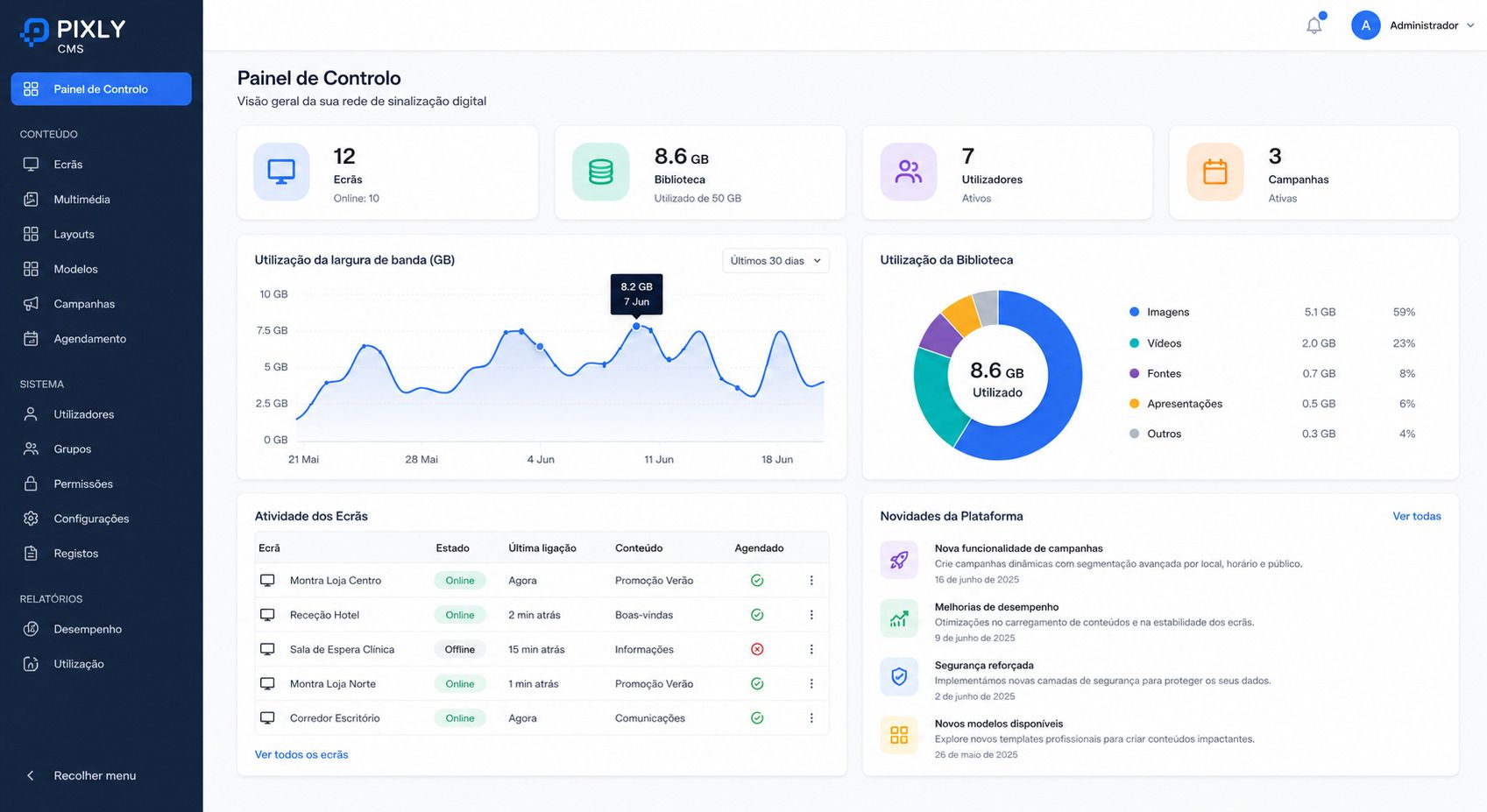
CMS Is the Heart of the Operation
A good content management system lets you update screens without always relying on technicians, travel, or last-minute fixes.
With a CMS, your team can manage:
- digital menus;
- campaigns;
- videos;
- images;
- events;
- opening hours;
- notices;
- location-specific content;
- scheduled content.
This is especially crucial for hotels, restaurants, clinics, shops, schools, offices, and spaces with frequent communication needs.
The screen displays. The CMS keeps everything relevant.
Where Does AI Fit In?
AI shouldn’t be used just because it’s trendy.
But it can greatly assist with the toughest part: regularly creating and adapting content.
In the near future, AI could help teams to:
- suggest campaigns;
- adapt messages by season;
- turn long texts into short screen-friendly content;
- create language variations;
- prepare content for different zones;
- recommend what should be displayed at each moment.
This is where Pixly sees a natural evolution: digital screens connected to smarter software, where content doesn’t get forgotten after installation.
The Mistake: Treating Screens as a One-Off Project
Many businesses invest in the equipment, install it, and then let the content age.
But a digital screen should be seen as an ongoing channel, just like a website, social media, or newsletter.
It needs routine, updates, and purpose.
Before installing or upgrading a solution, it’s worth asking:
- who will update the content?
- how often?
- are there seasonal campaigns?
- is content needed in different languages?
- is scheduling required?
- can the team manage everything without hassle?
If these answers aren’t clear, the screen risks looking great on day one but becoming irrelevant soon after.
Conclusion
The future of digital screens isn’t just about hardware.
It lies in combining quality equipment, simple software, updated content, and increasingly, intelligent support to create better communication.
A space communicating like it did in 2010 might seem functional, but it’s unlikely to keep up with customers living at a different pace.