Interactive whiteboards for more dynamic meetings, classes and presentations
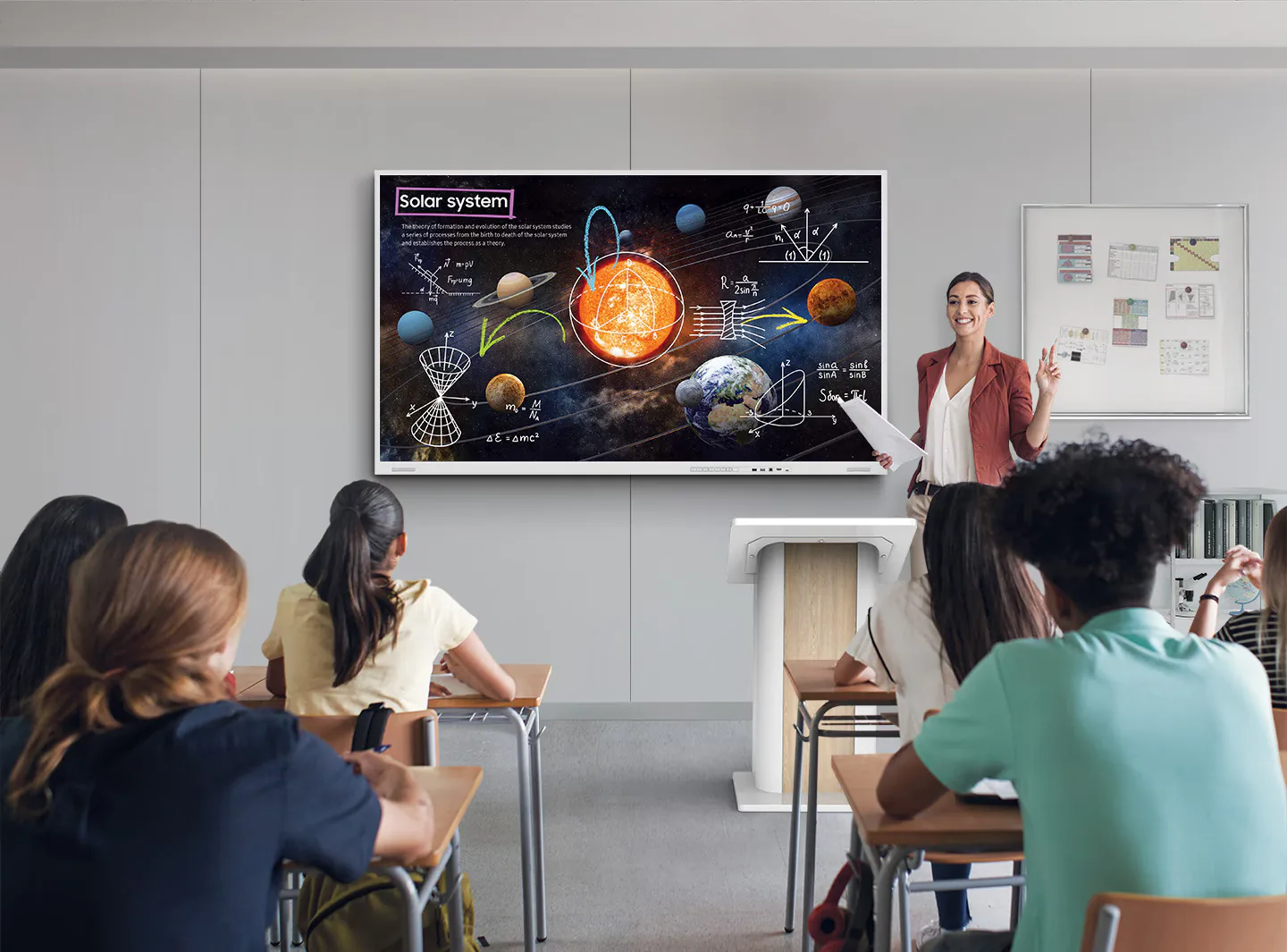
We install interactive whiteboards for companies, schools, hotels, training centres and meeting rooms that want better collaboration, content presentation and audience engagement.
Some Pixly clients and projects



%20translate(555.59%20425.394)'/%3e%3c/g%3e%3c/g%3e%3c/g%3e%3c/svg%3e)



The problem
Many rooms still rely on projectors, cables and low-participation presentations
In a meeting, class or training session, wasting time with connections, poor visibility or impractical tools breaks the flow and reduces participation. An interactive whiteboard makes the experience simpler, more visual and more collaborative.
Projectors and regular TVs limit interaction
Cables, adapters and connections delay meetings
Paper notes or traditional whiteboards are easily lost
Static presentations reduce attention and participation
What changes with an interactive whiteboard
Before
Meetings dependent on cables, projectors or passive TVs.
Whiteboard notes erased or quickly photographed.
Training and classes with limited interaction.
Equipment poorly integrated into the room workflow.
After
Touch presentations, screen sharing and direct collaboration.
Digital annotations that can be saved, shared and resumed.
More visual, participatory and easier-to-follow sessions.
Solution designed for the space, use case and number of people.
Why it works
What changes when communication stops being static
Touch interaction
Write, draw, navigate and interact directly on the screen.
Better presentations
Display content, documents, websites, videos and presentations with impact.
More collaboration
Ideal for meetings, brainstorming, training, classes and teamwork.
Simple use
Solution prepared for daily use, with setup and initial support.
Want to equip a room but not sure which interactive whiteboard to choose?
Tell us the type of use, room size, number of people and whether you need video conferencing, writing, screen sharing or training. We help you choose the right solution.
Real applications
Where this solution makes sense in practice
Meeting rooms
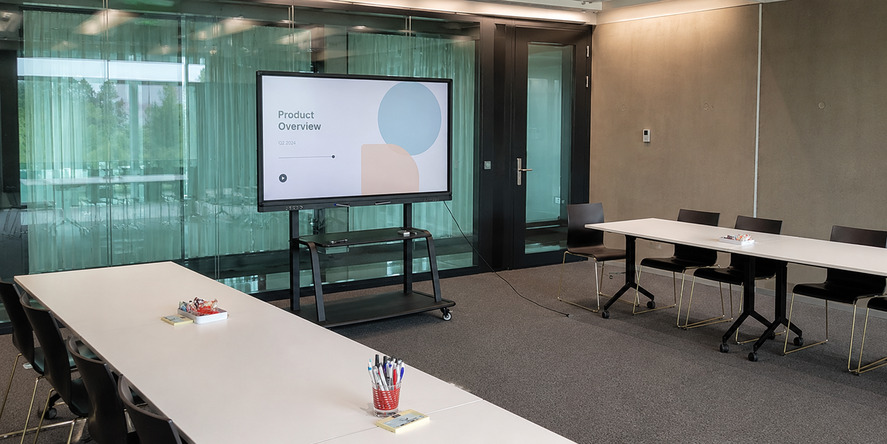
Presentations, team meetings, brainstorming, screen sharing and visual collaboration.
Schools and training
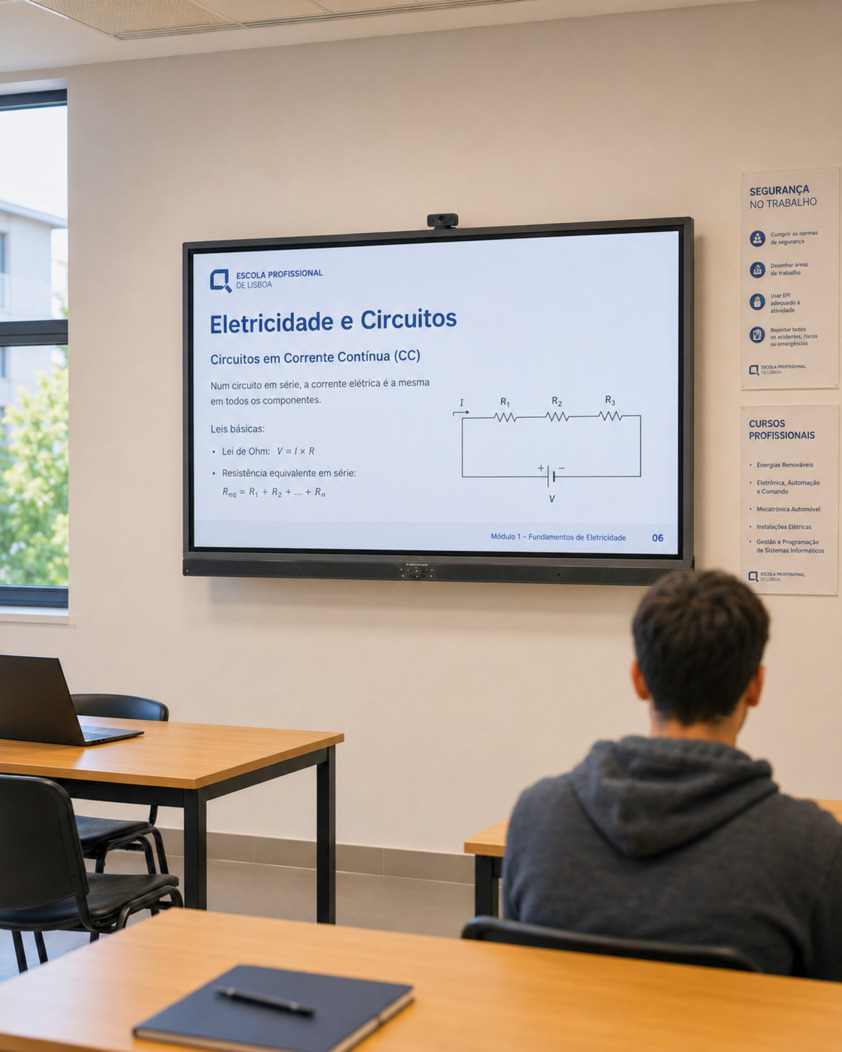
Classes, training sessions, interactive exercises, multimedia content and student participation.
Companies and offices
Internal meetings, sales presentations, planning, dashboards and team collaboration.
Hotels and event rooms
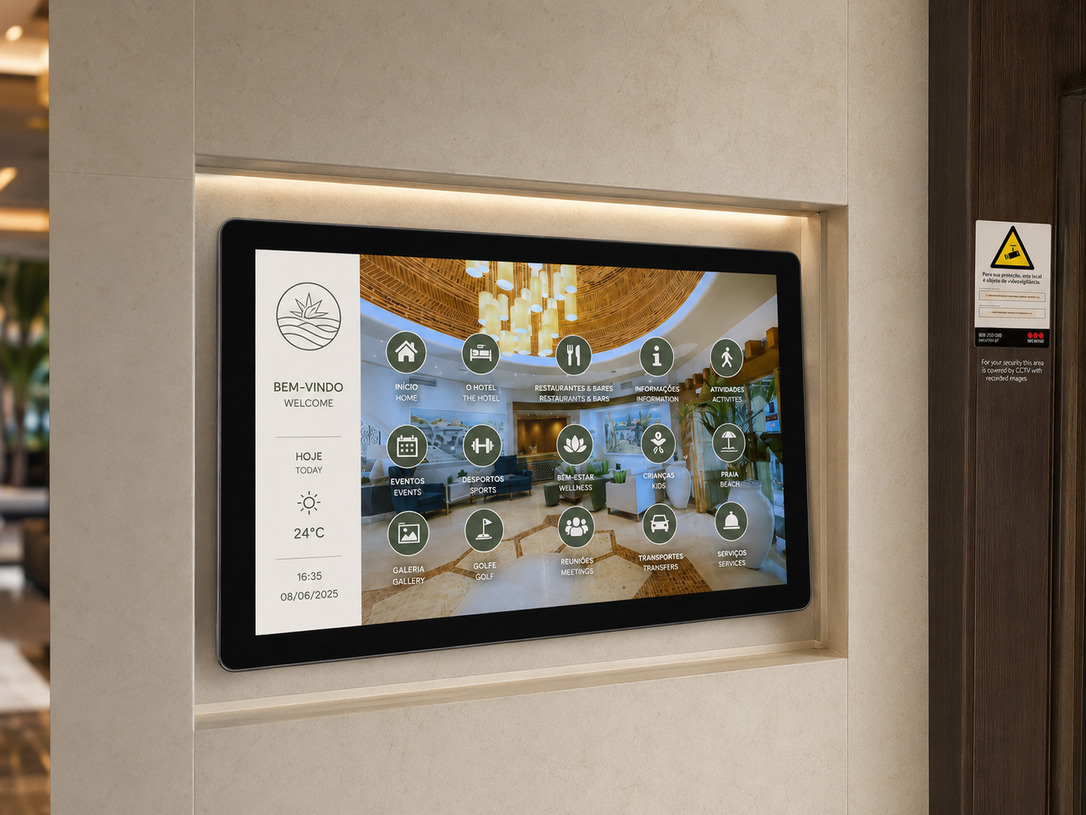
Equipment for conference rooms, corporate meetings, workshops and business events.
Training centres
More dynamic sessions, digital content, on-screen writing and material sharing.
Collaborative spaces
Coworkings, incubators, hubs and spaces that need simple technology for collaboration.
Visual collaboration
An interactive whiteboard should be chosen for how the room is used
Screen size, installation type, viewing distance and required features depend on the real use of the room. Pixly helps define the right solution before the proposal.
Proposal request
Tell us about the space. We help you choose the right solution.
You do not need to know the ideal model. Tell us what you want to solve and we will reply with a clear proposal.
Tip: if possible, mention the location, type of space and whether there is strong natural light or outdoor exposure.
Request a proposal
Leave your details and a short description of what you need. We will reply with an initial proposal suited to your space.
Pixly process
From first idea to installed solution
Room analysis
We assess size, number of users, viewing distance and type of use.
Solution recommendation
We help choose size, features, support, installation and technical needs.
Installation and setup
We handle installation, initial configuration and preparation for daily use.
Initial training
We explain the essential workflow so the team can use the board with confidence.
Why Pixly
An interactive whiteboard only has value if it is easy to use every day
Pixly helps choose the right equipment, handles installation and ensures the solution is prepared for the real use of the room.
Adapted to the space
We do not recommend the same size or setup for every room.
Turnkey solution
We can include equipment, support, installation, configuration and initial training.
Focus on real use
The solution is designed for meetings, training, education or collaboration, not just to look good on the wall.
Post-installation support
We can support the team in the first steps and help with system use.
Testimonials
What some clients say
Real proof from clients who have worked with us on digital solutions for commercial spaces.
The digital screens are high quality, easy to manage and truly make a difference in how we communicate with customers. The team was professional, available and very detail-oriented.
Sónia Teixeira
Marketing Director · Hospitality
FAQ
Frequently asked questions before requesting a proposal
Direct answers to common questions about installation, content, equipment and operation.
What is the difference between an interactive whiteboard and a regular TV?
Does it replace a projector?
Can I write on the screen like a whiteboard?
Is it suitable for video conferencing?
Which size should I choose?
Is installation included?
Is it easy for the team to use?
Does Pixly provide training?
Want to choose the right interactive whiteboard for your room?
Tell us how the room is used, how many people participate and which features you need. We help define the best solution.