

Sector · Education

    Interactive whiteboards and digital screens for classrooms, training and collaboration

    Pixly helps schools, training centres, universities and companies modernise classrooms, training spaces and common areas with simple, visual digital solutions prepared for collaboration.

    Interactive whiteboards and digital screens for education

    Classes, training, presentations and collaboration

    More interactive rooms
    More visual classes and training
    Easy-to-use solutions
    Installation and setup

    Some Pixly clients and projects

    Cliente 1
    Cliente 2
    Cliente 3
    Cliente 4
    Cliente 5
    Cliente 6
    Cliente 7
    Cliente 1
    Cliente 2
    Cliente 3
    Cliente 4
    Cliente 5
    Cliente 6
    Cliente 7
    Cliente 1
    Cliente 2
    Cliente 3
    Cliente 4
    Cliente 5
    Cliente 6
    Cliente 7

    The problem

    In education and training, attention increasingly depends on visual content and interaction

    Rooms with outdated equipment, static presentations and little interaction make learning and collaboration harder. Interactive whiteboards and digital screens help make sessions clearer, more participatory and more modern.

    Rooms not prepared for digital content and collaboration

    Presentations dependent on projectors or old equipment

    Low interaction during classes, workshops or training

    Institutional information with low visibility in common areas

    What changes with digital technology in education

    Before

    Classes dependent on projectors, traditional boards or impractical equipment.

    Training sessions with low dynamism and participation.

    Institutional information scattered across posters and emails.

    Events and presentations without visual impact.

    After

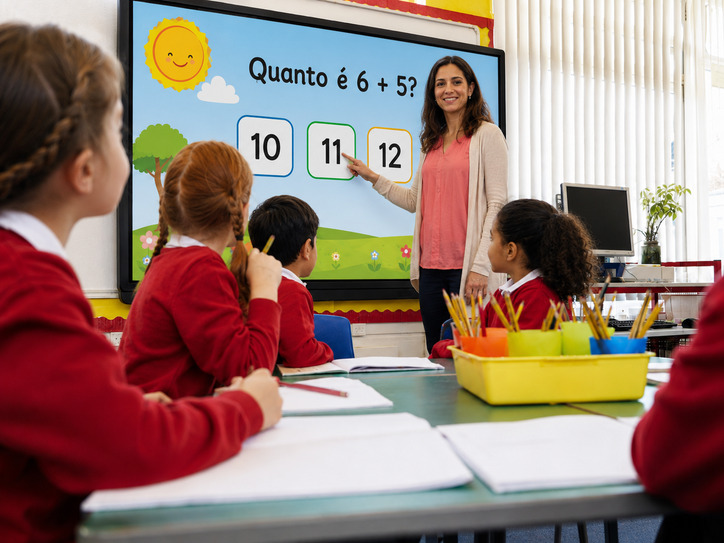
    Rooms with interactive screens prepared to present, annotate and collaborate.

    More visual, participatory sessions adapted to digital content.

    Notices, schedules, events and messages shown on visible screens.

    Auditoriums and spaces prepared for more professional communication.

    Pixly

    Want to modernise classrooms, training spaces or campus communication?

    Tell us the type of space, number of rooms and how you want to use the screens. We help recommend the right solution.

    Request proposal

    Related case study

    Real projects in this sector

    Concrete examples of Pixly solutions implemented in similar spaces.

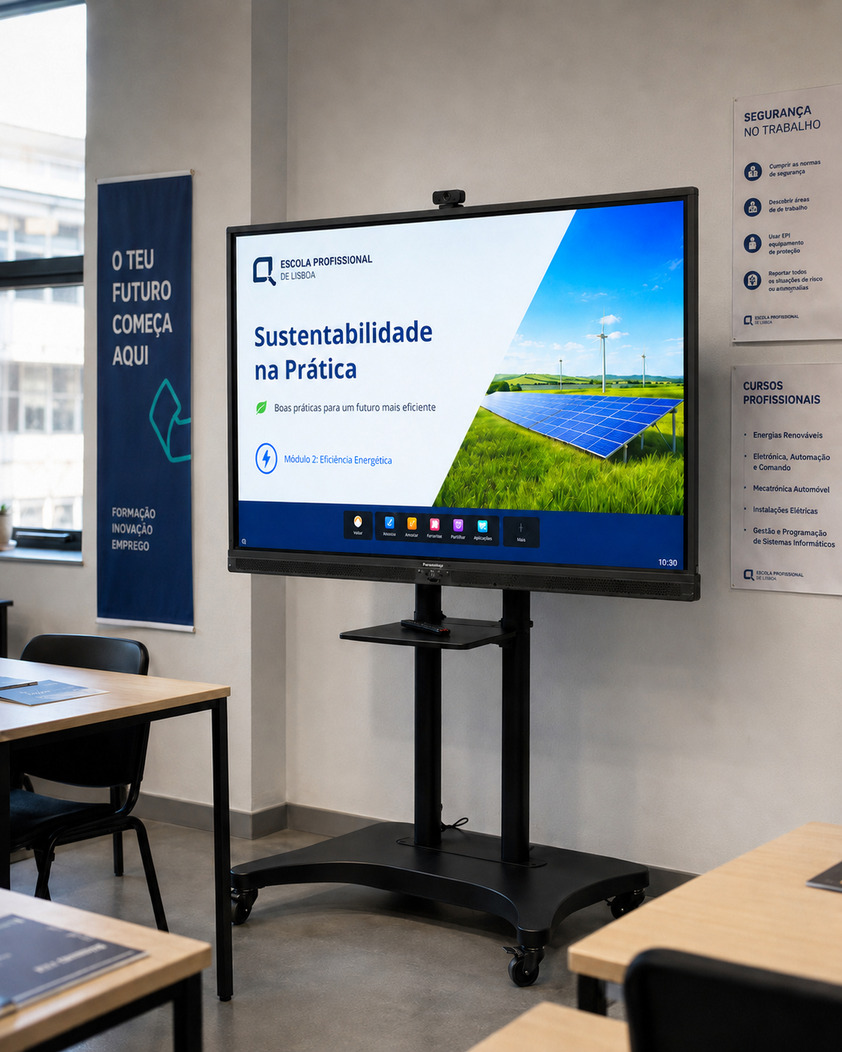
    Interactive whiteboards for a professional training school in Cascais
    Education and trainingInteractive whiteboards

    Cascais

    Interactive whiteboards for a professional training school in Cascais

    A professional training school in Cascais needed to modernise 10 rooms with interactive whiteboards that would make classes more participatory, visual and prepared for collaboration between teachers and students.

    10 rooms equipped

    55” and 85” interactive whiteboards

    Network configuration

    FAQ

    Frequently asked questions about digital screens for education

    Can an interactive whiteboard replace a projector?

    Yes, in many cases. In addition to displaying content, it enables touch interaction, annotation, collaboration and a more modern classroom experience.

    Is the solution suitable for training centres?

    Yes. Interactive whiteboards and digital screens are very useful for professional training, workshops, presentations and collaborative sessions.

    Can we use screens for notices and schedules?

    Yes. Screens can show notices, schedules, events, institutional communication and useful information in common areas.

    Does Pixly handle installation?

    Yes. We can include equipment, transport, installation, initial setup and usage support.

    We use cookies to analyse traffic and improve your experience. Learn more